
Website Optimization: Redesigning Your Website? Don’t. 7 Reason To Optimize What You’ve Got Instead
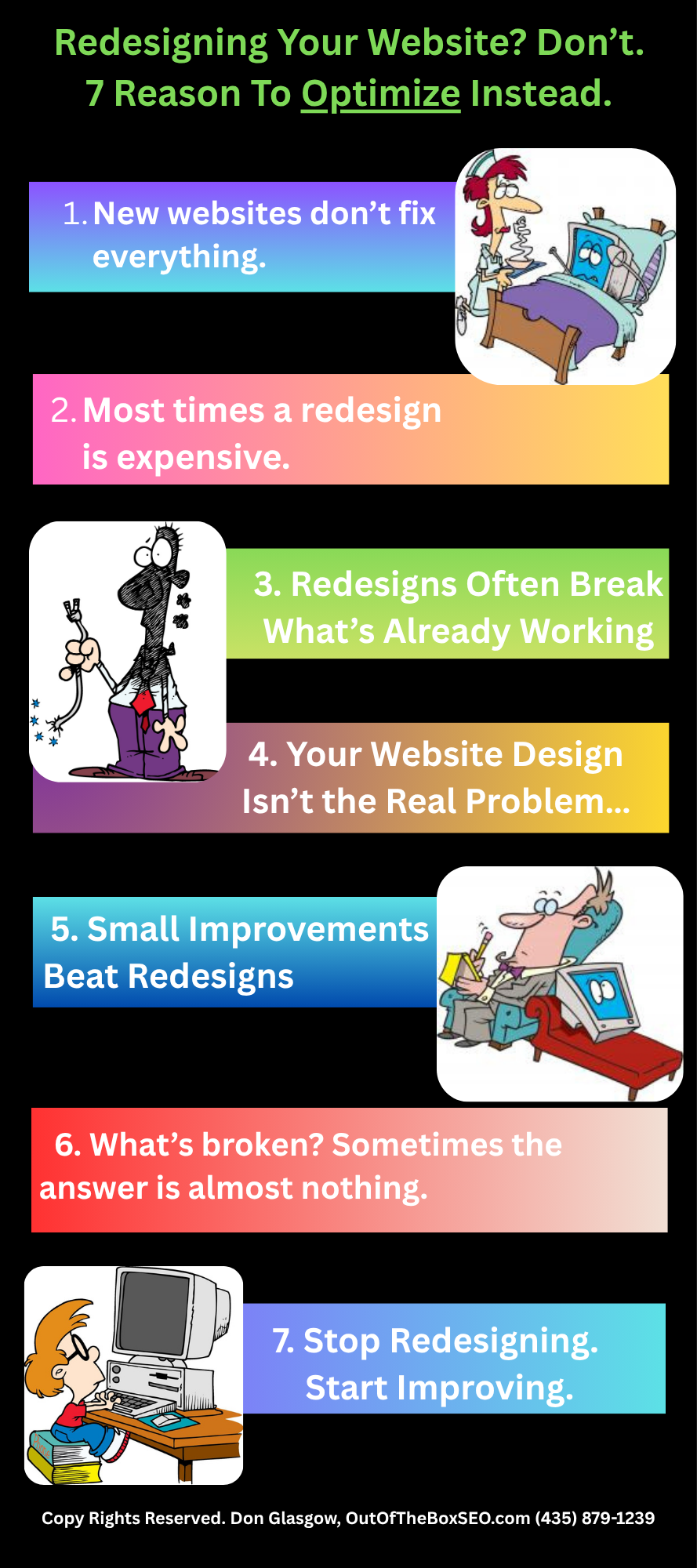
I would happily allow you to link to or copy and share this infographic. Please kindly link back to this page: https://outoftheboxseo.com/website-optimization-redesigning/ or
Infographic website optimization, not a redesign
1. The Myth of the “A New (St. George) Website Fixes Everything” vs Website Optimization
It’s easy to blame the website when there aren’t enough leads or you’re seeing low Google rankings.
Sometimes that’s true. But design usually isn’t the real problem.
* Usually the message isn’t clear.
* The content doesn’t answer questions.
* Or visitors don’t understand what the business actually does.
3. Redesigns Often Break What’s Already Working
This part surprises many business owners.
Google already knows your website. If URLs change, pages disappear, or content gets rewritten without a plan, rankings can drop.
That isn’t speculation.
Google recommends planning site moves carefully because changing URLs and site structure can affect search performance if handled poorly. (Google Search Central: Site Moves with URL Changes.)
Visitors notice changes too. Someone who visited your website last month expects familiar navigation. Move everything around, and simple tasks suddenly become frustrating.
I’ve also seen redesigns replace clear headlines with clever ones. They looked impressive. But nobody knew what the company actually offered.
Pretty websites don’t automatically sell. Clear websites usually do.

4. Your Website Design Isn’t the Real Problem…
When I audit websites, I usually find the same issues. The homepage tries to say everything or not enough. Service pages don’t clearly describe the service. Buttons are hidden. Forms don’t work.
Maybe visitors leave because pricing isn’t explained. Maybe your contact button is hard to find. Maybe your services sound exactly like every competitor.
These are strategy failures. A redesign won’t necessarily solve any of those.

5. Why Incremental Improvements Beat Full Redesigns
This is where website optimization shines.
Instead of rebuilding everything, improve what already works.
* Rewrite a headline.
* Simplify a service page.
* Shorten a contact form.
* Improve navigation.
* Add helpful answers customers actually ask.
These types of changes are measurable. If conversions improve, great. If they don’t, change something else.
Strong websites grow. They evolve.
I’ve seen a simple headline change outperform an expensive redesign.
When a Redesign Actually Makes Sense:
Sometimes a redesign really is the right choice. An old platform may no longer receive security updates. The site may not work well on phones. The business might have completely changed its branding. Sometimes new features simply can’t be added to the existing site.
Those are legitimate reasons.

6. How I Decide Whether a Website Needs a Redesign
If a redesign costs $12,000, it should produce far more than $12,000 in additional business. Otherwise, why do it?
Before changing anything, I look at the numbers.
* How much traffic arrives?
* Which pages generate leads?
* Where do visitors leave?
* Which pages already rank well?
Then I ask a simple question. What’s actually broken?
Sometimes the answer is almost nothing. Sometimes fixing five pages does more than rebuilding fifty.

7. Stop Redesigning. Start Improving.
Most businesses don’t need another website. They need a better one.
That’s a huge difference.
* Focus on clarity.
* Answer real customer questions.
* Improve your content.
* Make navigation obvious.
* Keep refining instead of restarting.
That’s how websites keep improving year after year.
If you’re wondering, “Who can help me with website SEO in St. George?” I’d be happy to review your website before you spend money on a redesign.
Sometimes all your website needs is a second opinion.
And if I tell you not to redesign it, you’ve probably just saved yourself a pile of money. That’s my favorite kind of website optimization.

r/Wordpress – TheMystery0702
How much you spend time on optimizing websites?
Hi 👋
I’ve read tons of posts on WordPress optimization, advices etc. However, I haven’t seen anyone talk about the time, effort needed for it.
I know every website is different and may require different approach or different tuning, that’s fine, while what is the average time spent on a single website that is not a single page one? E.g E-commerce ones or heavy traffic ones?
Initial tune/optimization I assume is done once website is developed, what about later on? What’s the timeframe performance is checked and tuned? Is it a daily thing/weekly once a month?
I assume it may be different from client to client whole what’s your approach preference to timing to check on these and time spent to fix it so to say? Thanks
My personal answer: I spend about 6 hours getting an page on the web and optimizing a webpage. I have a list of items that I check off as I go. Those check off items include actions like: Rewriting and editing the article, Making sure the title and subtitles are interesting, adding schema markup, creating a meta description, submiting the page to Google console, adding images and a lot more.
Try us before you spend a dime!
Thinkin' about using us? Get the first month of GBP/SEO for free when you mention this offer.

About the owner of this website:

My name is Don Glasgow
I built my first website in 2001. I ranked that site almost immediately for "St. George real estate. Yes, I live in St. George, UT.
I've built many more websites since then.
I also have an enormous amount of knowledge on how to get a website to rank.
Optimize your website instead of a redesign